***Adobe CC is professional software and is priced accordingly. Students can buy Adobe CC online at a discounted rate.
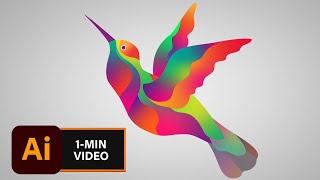
Adobe Creative Cloud is a suite of professional photography, video, design and animation applications including Illustrator for vector graphics. Often used to create logos and assets for animation, vector graphics can be scaled to any size and will never look blurry.
If you need training, the first video on the carousel is a free, three hour crash course in Illustrator that's great for beginners. If you know the basics and are looking for quick tips, the rest of the videos are one minute tutorials for common tasks. See the Links section below for further support.
If you require free software for working with vector graphics or Illustrator files, try Photopea.
Related resources | Graphics: Photoshop | Graphics: Photopea | Graphics: Canva
Last updated on 03 November 2025