You may want to scan documents with your phone for convenience, to quickly create accessible, digital copies of physical papers, declutter your space, share documents easily, and protect important items from damage or loss.
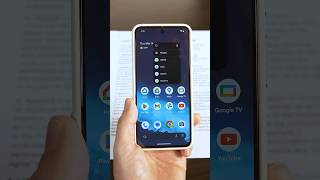
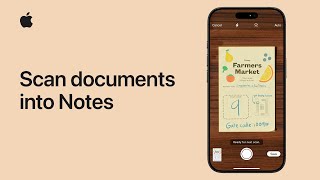
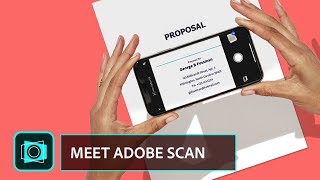
iOS and Android devices utilise existing apps like Google Drive and Notes to enable scanning, and there are also standalone apps such as Adobe Scan that you can install on any device.
Instructions for specific devices can be found in the Guides section below or by watching the videos.
Related Resources | Accessibility for Users | Assistive Technology Collection
Last updated on 26 September 2025